
Align the Camera
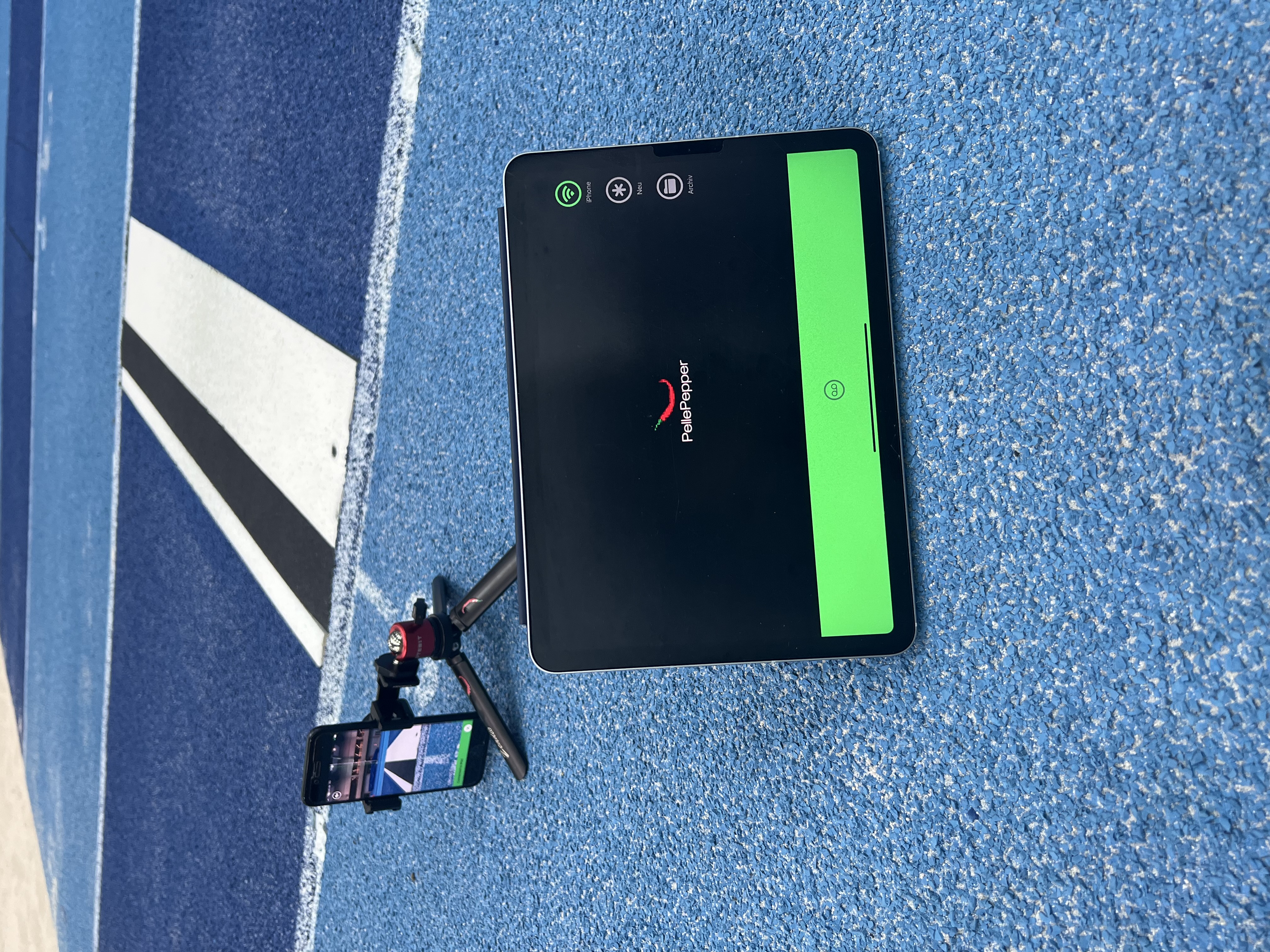
Mount Camera securely, as low as practical, and directly in line with the take-off line. Align the green guide with the take-off line and make sure the device is vertical.

JumpControl
JumpControl connects Camera, Controller, and a dedicated Archive on iPad. Video recordings support the officials responsible for reviewing long jump and triple jump attempts.
Workflow
A clear workflow for use at the venue.
Mount Camera securely, as low as practical, and directly in line with the take-off line. Align the green guide with the take-off line and make sure the device is vertical.
Open Controller on the second device and connect the devices. Press and hold the green bar for the entire recording.
Review the transferred video in slow motion or frame by frame. Save and mark the attempt when needed; the responsible officials remain in charge of the decision.
Fit
Check device compatibility, event rules, recording permissions, and a fallback procedure. JumpControl does not claim universal competition approval.
Review requirements →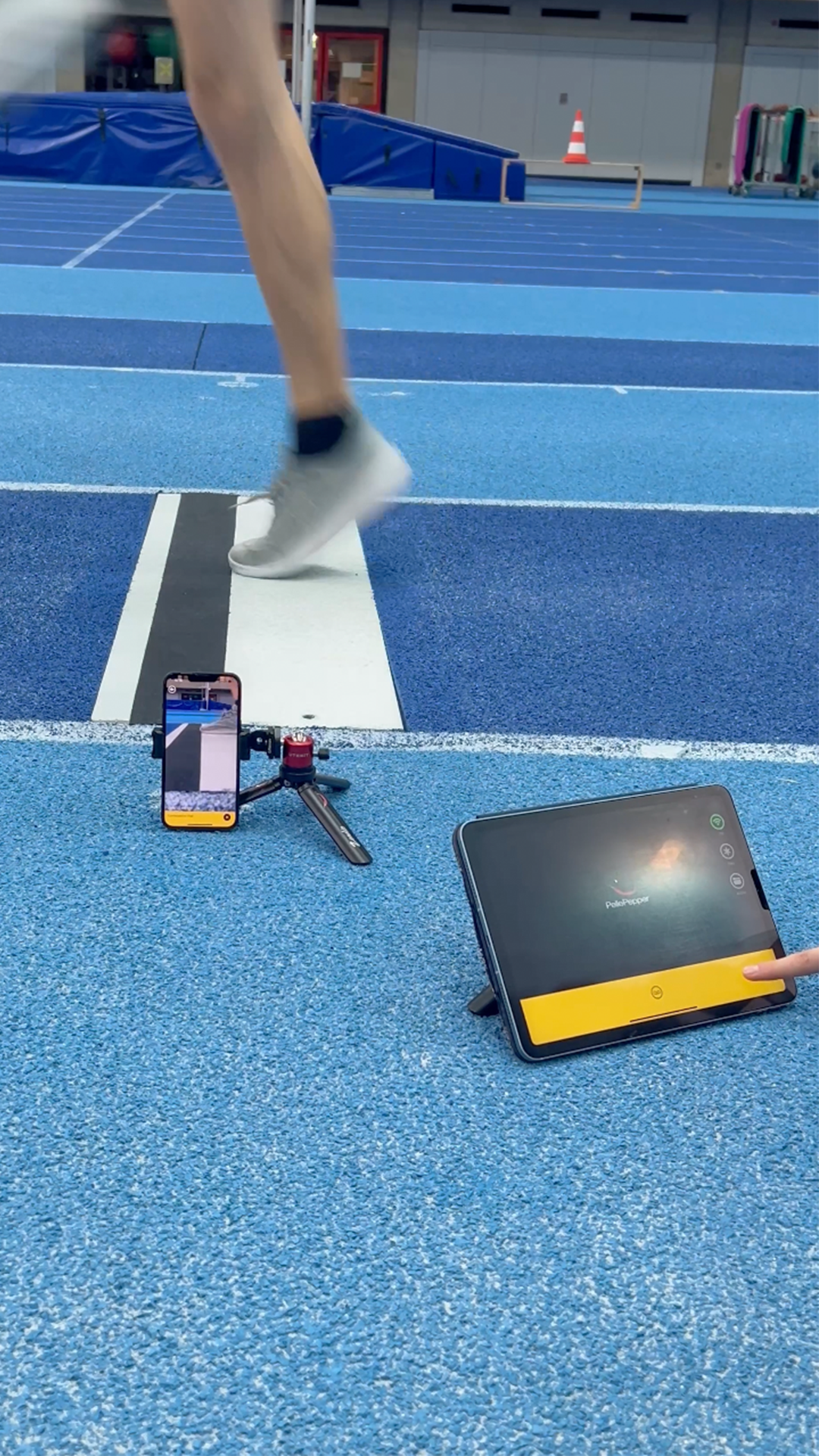
License
Camera and Archive are license-free. Only Controller requires a 30-day license.
Understand the license →Support
Support provides operating guidance and answers common product questions.
Open FAQ & Support →